Server Migration Services in India

Migrate Smarter & Safer with Net2Secure Server Migration

At Net2Secure, we offer seamless migration of servers and applications, ensuring a stress-free transition from one server environment to another.
Transferring the crucial data and applications from one server to another is not as easy as it seems. At Net2Secure, we make this challenging task of server migration hassle-free.

As the digital competition continues to evolve, server migration has become a significant process for organizations seeking to optimize their IT infrastructure and boost performance. Doesn’t matter if an organization is shifting from a physical to a virtual environment or simply upgrading to more reliable and robust servers; understanding the complexities of server migration is vital.

Get Started Now
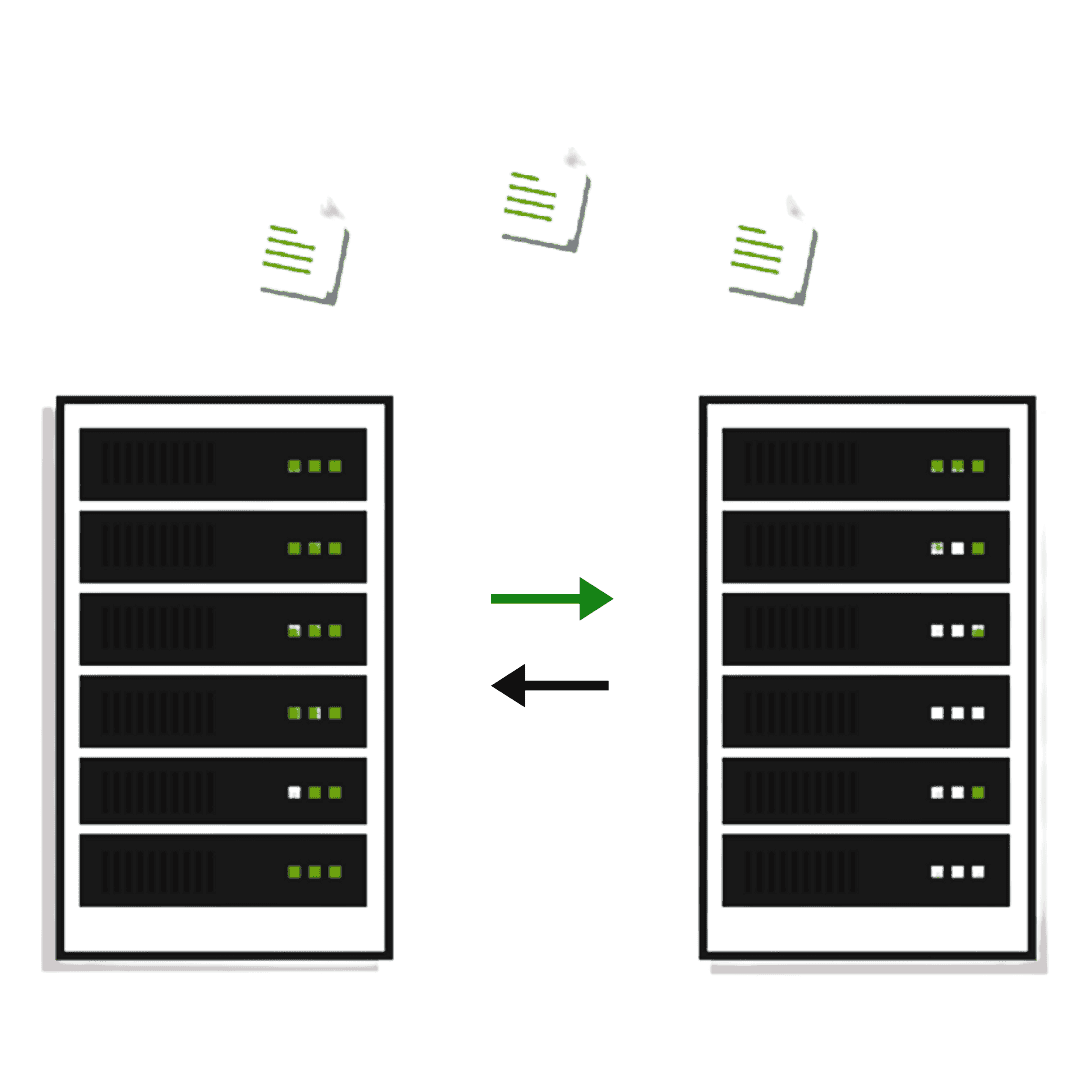
server migration in India

Experience Affordable Server Migration Services in India with Net2Secure

We deliver fast and reliable server migration in India, offering exceptional and affordable services to businesses across multiple cities. At Net2Secure, we offer end-to-end server migration services that consist of planning, executing, testing, and post-migration support to certify a seamless transition. We make sure your server as well as infrastructure operate effortlessly after migration with final optimization.
Moreover, we allow businesses to weaponize the strength of our professional cloud server migration services to copy live server volumes, in turn, making large-scale server migration easy. Our cloud server migration solutions ensure easy deployment, fostering your business with better security, scalability, and accessibility.

Reasons Why You Should Consider a Server Migration

Server migration is generally crucial for several reasons, like as hardware upgrades, software updates, load balancing, data center relocations, or shifting to a more scalable solution. A few significant reasons are as follows:

Types of Server Migration


1. Physical-to-Physical Migration
P2P migration contains no virtual resources. This method solely applies to shifting from one physical server setup to another. Hosting experts depend on software tools to remove server drivers from the original host machine and install them on the new target machine.

2. Physical-to-Virtual Machine
In this method, IT staff migrates data from a physical server to a virtual location. The OS, all files, and data are transferred to a virtual machine. The new target server generally exists on a virtualized platform, and the transfer may need decoupling before the migration can begin.

3. Virtual-to-Virtual Migration
With V2V, the server migrator transfers files from one virtual location to another. Most virtual platforms contain native tools to help with this type of migration.

4. Cloud Migration
As the name indicates, cloud migration consists of moving an organization’s server resources to the cloud server. This can be an entire or partial transfer, relying on the organization’s needs.

5. Database Migration
Database migration involves shifting data from a source database to a new target database. IT staff may prefer a database migration service to perform this task to certify it’s done safely and accurately.

Steps to Plan for a Server Migration

1. First of all, an inventory audit is vital for recognizing all the applications, data, and dependencies that currently reside on your existing server.

2. The next step is considering the right target server that tailors to your organization’s type, capabilities, and scalability needs for the future.

3. Timing is also crucial to set a migration timetable that takes place during off-peak hours to minimize the impact on business operations.

4. Before initiating the migration, always back up existing files, applications, and databases as a safety net.

5. Before initiating the migration, always back up existing files, applications, and databases as a safety net.

6. For the real migration process, selecting specific methodologies and tools that best tailor your requirements for transferring data is crucial.

7. Consistently involve key stakeholders like network administrators, managers, and even end-users to make the transition more informed and smooth.

8. Lastly, maintaining comprehensive documentation of configurations, changes to settings, and processes can be a valuable point of reference for future server migrations.

What Needs to Be Skipped During Server Migration?

In server migrations, the traps to avoid consist of insufficient planning, not backing up current data, ignoring testing of the destination server, and disregarding the complications of your existing IT environment. Such errors may result in data loss, prolonged downtime, unforeseen expenses, and various significant issues. Engaging key stakeholders and ensuring adherence to industry regulations during the process is essential for effectively reducing these risks.

Why Net2Secure for Server Migration?

At Net2Secure, we offer customized solutions to your business needs. You have the flexibility to consider the hardware configurations, OS, and software applications that best suit your goals.
With years of experience, our dedicated technical team brings vast expertise in managing complex server migrations. We understand the challenges and offer personalized solutions to ensure a smooth, efficient transition.
Our skilled support team is always available to assist you with any technical issues, ensuring your server environment remains stable and high-performing at all times. With Net2Secure, you’re not just migrating servers, you’re moving forward with confidence.

Client Review

Frequently Asked Questions

A server migration generally transfers all files, data, software, and the operating system from a source server to a new target location. This transfer can come out from physical to physical server, physical to virtual, and virtual to virtual, over the cloud, and more.

A server migration involves transferring all files and resources from an existing server location to a new one. An application migration pertains to an organization’s software and tools.

Businesses may migrate servers for various reasons. A few are updating to the current technology, skipping aging infrastructure, and enlarging and distributing hosting.

Yes. IT experts strongly recommend quality assessment or quality control testing after a server migration. This helps maintain effectiveness and ensure smooth functionality of your server environment moving forward.

Conducting a server migration can come with risks such as potential downtime, loss of mission-critical files or applications, and potentially encountering unforeseen problems or software issues. Fortunately, teams can avoid these pitfalls of server migration by taking the time to create an in-depth checklist and leveraging the expertise and support of professional migration experts.

We use cookies

By continuing to browse this site, you are agreeing to the use of cookies to enhance your experience.