What is an Email Alias and Its Importance
 Written
By
Puspendra Kumar
Written
By
Puspendra Kumar
Reading time: 4 minutes
Email communication has indeed become a crucial part of everyday business and personal interactions. However, managing different emails can get challenging, and when managing emails, you may come across the term Email Alias.
An email alias is not a separate inbox but a substitute email address that forwards messages to an existing email account. It assists users in receiving emails sent to different addresses without creating multiple mailboxes.
Whether you are a small business owner, marketer, or just someone searching for ways to manage your email better, this post will walk you through it all.
What is an Email Alias?
An email alias works as an alternate name for a primary email address. Any message sent to the alias is automatically delivered to the main inbox, without creating a special email account.
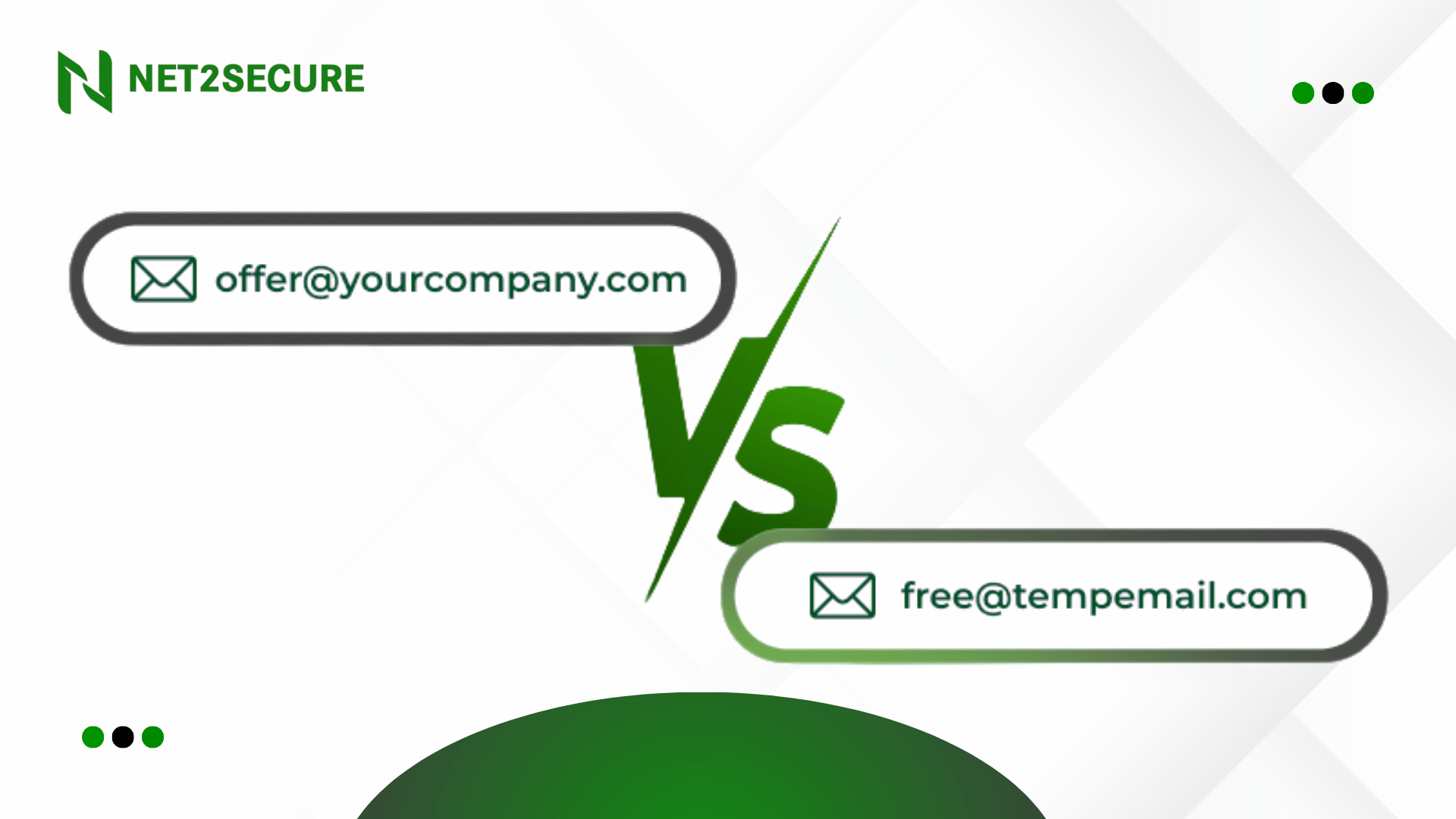
For example, if John Doe’s primary email address is john.doe@example.com, he can create aliases such as j.doe@example.com or johnny@example.com. Emails sent to any of these addresses will still arrive in John’s main inbox.
Moreover, it helps to keep all communication in one place while enabling users to share different email addresses for various purposes. This makes it easier to handle emails, stay organized, and control how contact information is used without missing any messages.
Know How it Works
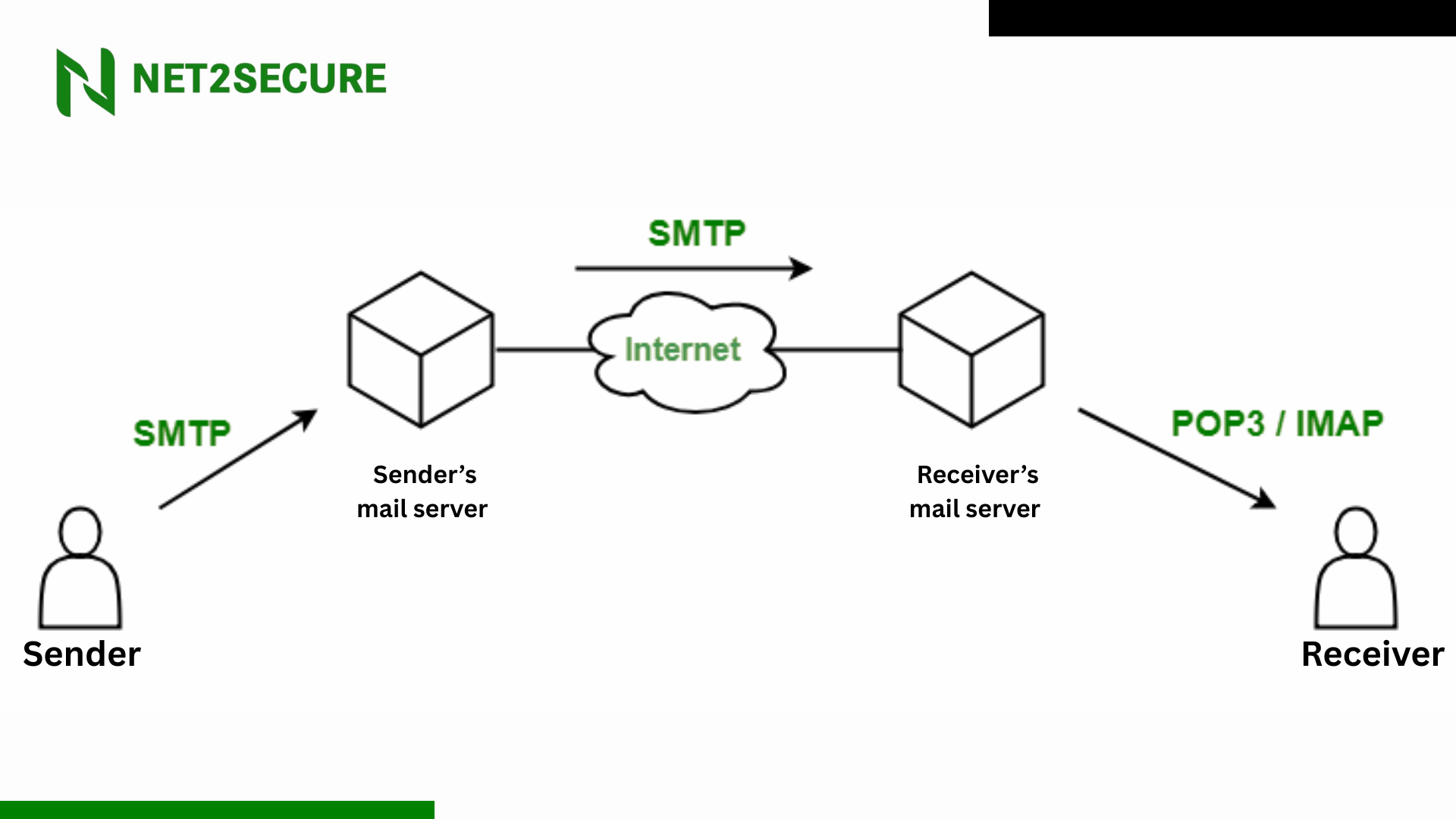
An email alias works by secretly redirecting emails to a primary email inbox. When someone sends a message to an alias address, the email system automatically forwards it to the main account without revealing the original email address.
From the sender’s POV, they are communicating with the alias email address. However, behind the scenes, the message travels through a hidden redirection process and lands directly in the actual inbox.
All aliases linked to an account act as different entry points to the same mailbox. This setup keeps communication centralized while maintaining privacy, as senders never see or interact with the primary email address.
All in all, email aliases create a layer between the sender and the real inbox, allowing users to manage communication securely without the sender knowing about the redirection.
Key Benefits of Email Aliases
-
Shield Your Privacy & Security: Email aliases are a solid way to keep your personal or primary email address hidden, decreasing your exposure to spam and phishing attempts. When you sign up for online services, newsletters, or contests, use an alias rather than your primary email.
-
Streamline Email Management & Organization: Suppose struggling with dozens of emails daily for different departments, roles, or projects. Email aliases let you funnel those emails into a single inbox while keeping communication organized.
For instance, a customer support team can use support@company.com, sales@company.com, and billing@company.com aliases all forwarding to one mailbox but easily sortable with filters and labels.
-
Manage Various Roles Effectively: Small business owners or employees wearing different hats can leverage the aliases by separating their communication streams without the hassle of switching accounts.
-
Create Temporary or Disposable Emails: Aliases are ideal for short-term purposes, such as subscribing to newsletters, promotions, or free trials without affecting your primary inbox. To prevent spam in the future, just stop using the alias or delete it once it has fulfilled its purpose.
How to Create Email Aliases?
Creating an email alias is generally fast and easy, depending on your email hosting provider. Most email services provide built-in tools that allow you to integrate and manage various email aliases from a single account without creating separate mailboxes.
Here is the general guide to creating email aliases on popular email platforms:
-
Gmail: It allows you to use email aliases through the send mail as feature.
Steps:
1. Go to Settings
2. Open Accounts and Import
3. Under Send mail as, click add another email address
4. Follow the on-screen instructions to finish the setup
-
Outlook/Hotmail: Outlook and Hotmail support email aliases directly within account settings.
Steps:
1. Go to Settings
2. Select View All Outlook Settings
3. Navigate to Mail> Sync Email
4. Under Email Aliases, Add or Manage Your Aliases
-
Yahoo Mail: It offers disposable email addresses, which work similarly to email aliases.
Steps:
1. Click on your profile picture
2. Open account info
3. Go to account security
4. Create a disposable email address as required
Email aliases are a smart and practical way to handle your emails more effectively. They help you stay organized, secure your primary email address, and manage multiple communication needs without creating separate inboxes.
Whether you are operating a business, handling different roles, or simply trying to decrease spam, email aliases make each day's email handling easier and more secure.
By understanding how email aliases work and how to create them, you can take better control of your email communication and keep everything streamlined in one place.